

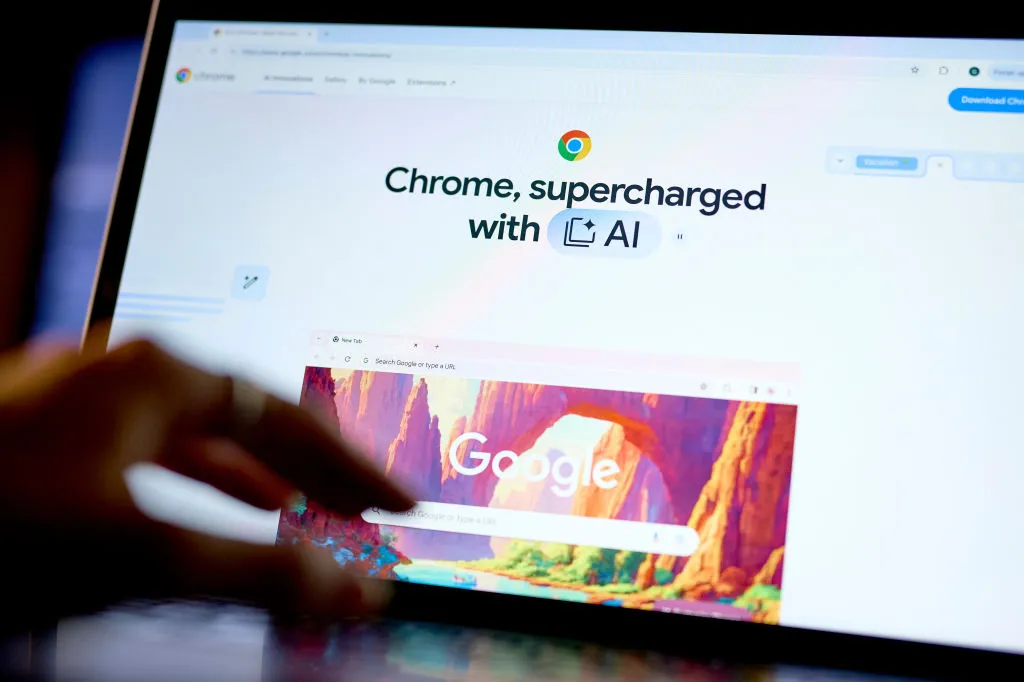

Google is evolving Chrome from a traditional web browser into something closer to a personal AI assistant built directly into your everyday browsing experience. With a series of updates now rolling out, Chrome on both desktop and mobile is gaining new AI-powered features rooted in Google’s Gemini technology — tools designed to help you search faster, understand content more easily, and interact with the web in smarter ways without leaving the tab you’re in.
A central part of this transition is a new AI sidebar that can be summoned at any time during browsing. Instead of copying text into a separate AI app or starting a new search, you can ask questions or request summaries right inside Chrome. For example, if you’re reading a long article, you can click the sidebar to get a concise breakdown of the key points, definitions of complex terms, or even a quick comparison with related topics. It’s designed to feel like having a knowledgeable co-pilot while you navigate the internet.
Search itself has also become more interactive. When you highlight a passage or select text on a page, Chrome’s AI tools can suggest relevant questions or provide context-aware answers that go beyond a simple search result. Rather than showing a list of links first, the browser can now generate synthesized insights — essentially a custom summary or explanation — and then offer the traditional links underneath for users who want to dig deeper.
Another addition focuses on productivity. Chrome now offers AI-generated autocomplete for writing tasks like emails, comments, or form responses. As you type, the browser will suggest polished phrasing or continue your thought in a natural way, saving time and effort. Users can accept, tweak, or ignore these suggestions, giving people more control over how much assistance they want.
Importantly, Google is trying to make these features feel integrated and optional rather than intrusive. AI tools can be summoned when wanted, but traditional browsing and search still work as usual. Chrome’s settings also let users tailor how involved the AI suggestions are, or even turn off certain capabilities entirely if they prefer a more classic browser experience.
For everyday web use, the implications are significant. Instead of juggling multiple apps or tabs for research, summarization, or writing help, Chrome’s new AI toolkit keeps more of that workflow inside the browser. Casual users may appreciate quick definitions or paraphrasing help, while students, researchers, and professionals can get contextual explanations or concise summaries without disrupting their flow.
This AI expansion reflects a broader shift in how software is being designed: browsers are no longer just gateways to the web, but platforms that actively assist users in interpreting and interacting with online information. As AI becomes more capable, tools like Chrome’s new features could redefine how people learn, work, and create on the open internet.